Block the picture. Keep the internet.
GVUL checks every picture as a page loads and covers only what shouldn't be seen. The rest of the site just works.
Free. Mac beta now, for Safari and Chrome.
Other filters block the site. GVUL covers the picture.
Every picture, every site
Photos, GIFs and page backgrounds are checked on every site you open.
Coming next
Blocking scam, phishing and malware sites, and turning ads off.
Safari and Chrome
Both browsers on your Mac, every site you open.
Free
No subscription. If it helps you, you can give.
Mac first. More on the way.
Set up in a few minutes.
One installer and your Mac password. No Terminal. See every step
Open the installer
Press Continue, then Install, then your Mac password.
Allow GVUL
Approve GVUL in System Settings. During the beta, macOS asks you to confirm it once more.
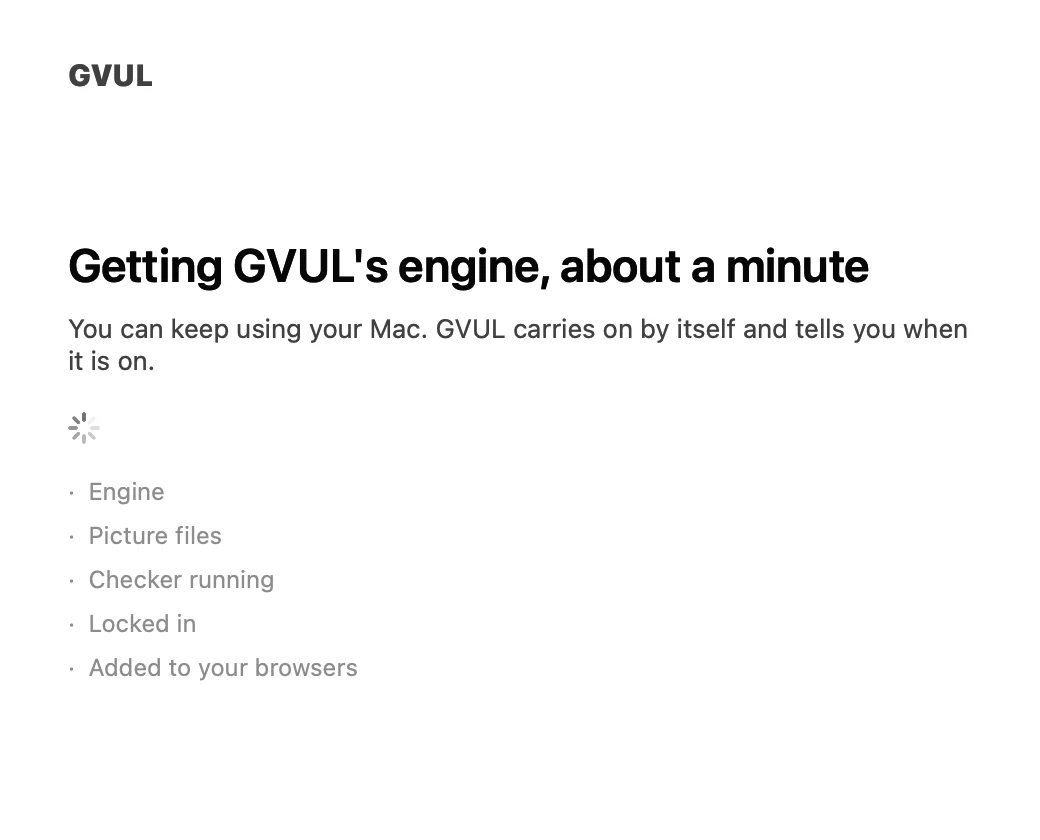
Let it set up
GVUL gets ready by itself. Keep using your Mac.
Browse
GVUL is in Safari and Chrome. Pictures are checked as pages load.
Get GVUL on your Mac.
The Mac beta is free. Leave your email to get on the list for the next beta copy.
We only use your email for the beta. Privacy
You're on the list.
GVUL is free, and stays free. If you'd like to help build it, $18 goes a long way. Totally optional.
No problem. Thanks for joining.